Free AI Garden Planner

Design Your Garden
in Minutes

Upload a photo of your garden, answer a few questions about light and soil, and get a complete AI planting plan — species, quantities, spacing, and costs.

Start designing free See example plans
1,200+ planting plans generated  ·  No account required  ·  Takes under 3 minutes

How it works

Three steps to a full garden design

No design experience needed. No confusing software. Just answer questions about your garden and let the AI do the rest.

1
📷

Upload Your Garden Photo

Take a photo of your garden or enter your bed dimensions. Works on desktop, tablet, or mobile.

2
🌿

Answer a Few Questions

Tell us about your light levels, soil type, garden style, and preferences. Takes about 90 seconds.

3

Get Your AI Planting Plan

Receive a complete plan with plant list, quantities, spacing, care instructions, and estimated costs.

AI-generated garden planting plan showing plant layout and species list

More than just a plant list

Every Selfseed plan is a complete, actionable garden design — not a vague suggestion.

🗺️

Visual Garden Layout

See exactly where each plant goes in your garden. The AI positions species by height, spread, and companion planting logic.

🌱

Full Species List

8–12 plants selected for your specific conditions — light, soil, style, and UK climate. Common and botanical names, bloom periods, and mature heights.

📐

Spacing & Quantities

Exact plant counts for your garden dimensions with optimal spacing guidance so everything has room to grow.

💷

Cost Estimates

Estimated costs from UK garden centres — T&M, Crocus, and others — so you know what to budget before you buy.

🖨️

Printable & Shareable

Download or print your plan to take to the garden centre. Share with a partner via link.

FAQ

Common questions

Everything you need to know before you start designing.

Yes, Selfseed is completely free to use. You upload your garden photo, answer questions about light and soil, and receive a complete AI planting plan — species, quantities, spacing, and estimated costs — at no charge. No account required.

No. Selfseed works entirely in your browser on any device — desktop, tablet, or mobile. There is nothing to download or install. Simply visit selfseed.co.uk on your phone while standing in your garden and start designing.

The AI designs planting plans using UK climate zones, your specific light conditions (full sun, partial shade, full shade), soil type, and garden style preferences. Plans are generated for your exact conditions, not generic recommendations.

Yes. The garden planner is fully responsive and works on mobile browsers. You can upload a photo from your phone, tablet, or desktop. Many gardeners start their design on a phone while taking photos in the garden.

Each plan includes a visual garden layout with plant positions, a full species list with common and botanical names, plant quantities, spacing guidance, bloom periods, height at maturity, care instructions, and estimated costs from UK garden suppliers. You also receive a shareable link.

Yes. Selfseed adapts to any garden size, from a small urban courtyard to a large country garden. It also has a dedicated container garden planner that targets smaller spaces, patios, and balconies. The AI adjusts plant counts and spacing to your actual garden dimensions.

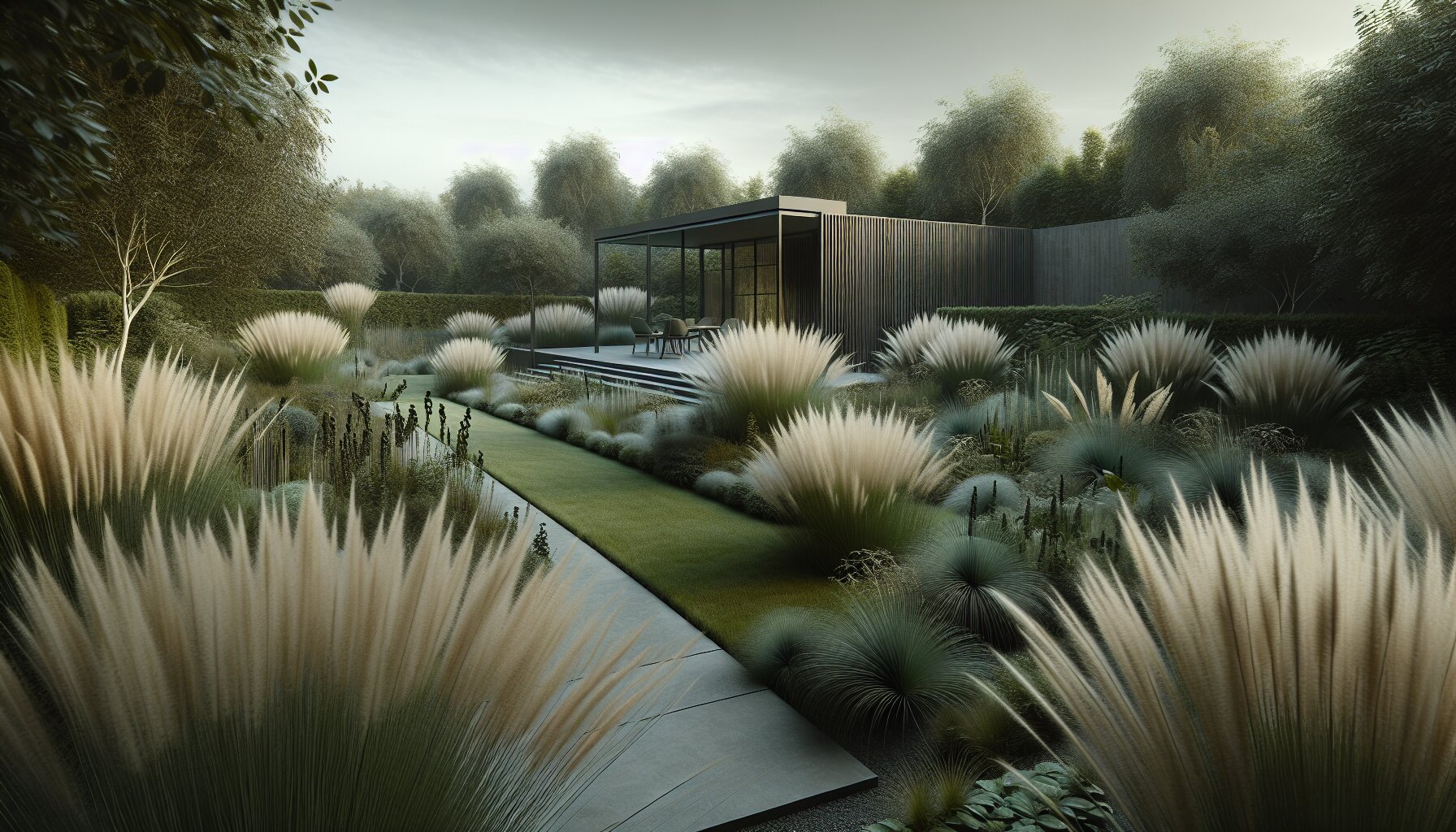
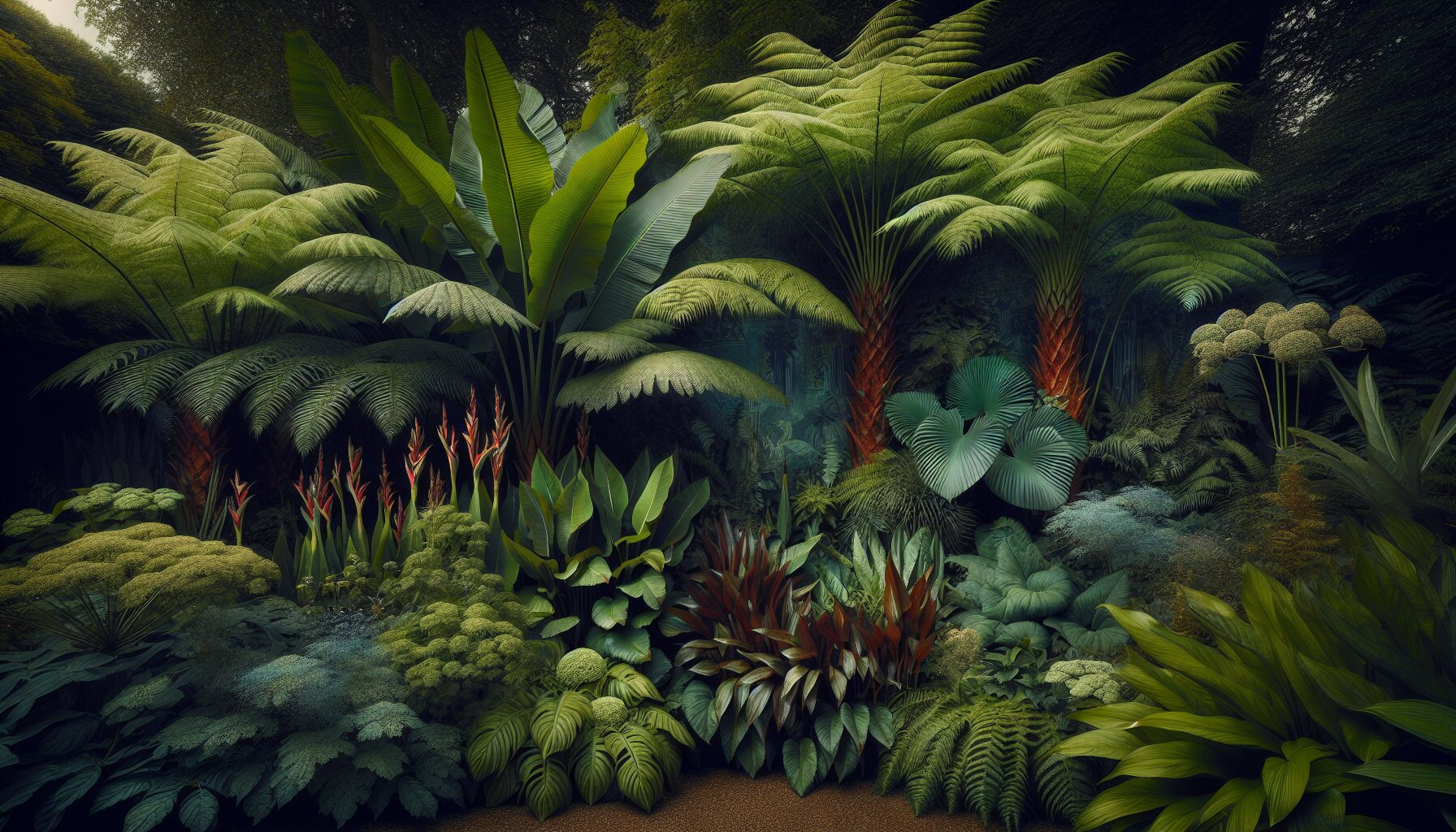
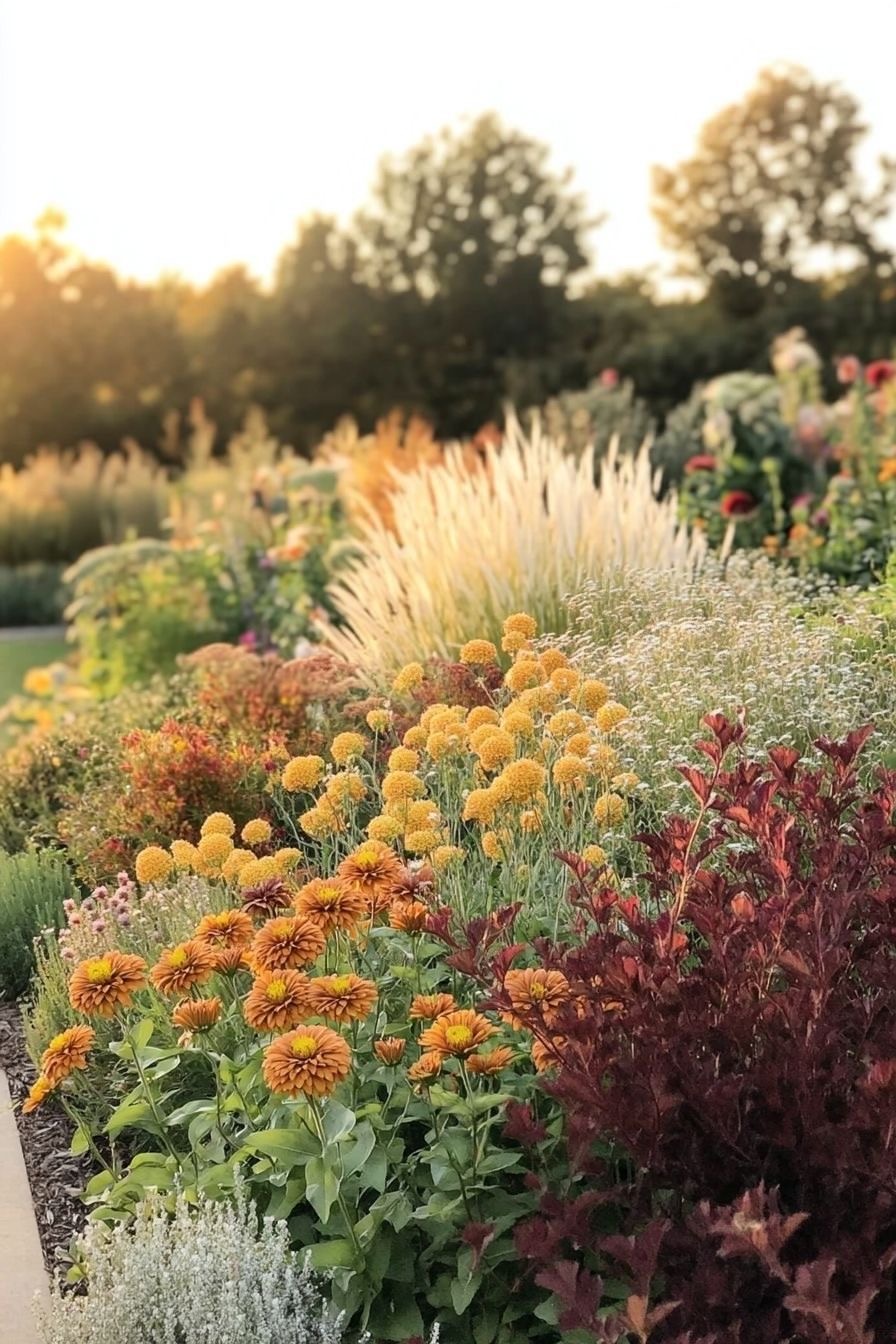
Selfseed designs plans across seven garden styles: cottage, contemporary/minimalist, prairie/naturalistic, woodland/shade, Mediterranean, tropical, and gravel garden. You choose your preferred style during the questionnaire and the AI generates a scheme to match.

Yes. You can describe your garden dimensions instead of uploading a photo — enter your bed length and width, and the tool produces an equally detailed plan. Both methods generate full planting schemes with the same level of detail.

Ready to design your garden?

Takes under 3 minutes. No account needed. No payment required — ever.

Start your free garden design

Free for all UK gardens · Works on any device